FlipWell app icon

A closer look

FlipWell : Flip & Match

A polished SwiftUI memory-match game with a satisfying 3D card flip. Here's a screen-by-screen tour — from the game board to achievements, history, stats and the settings that make it yours.

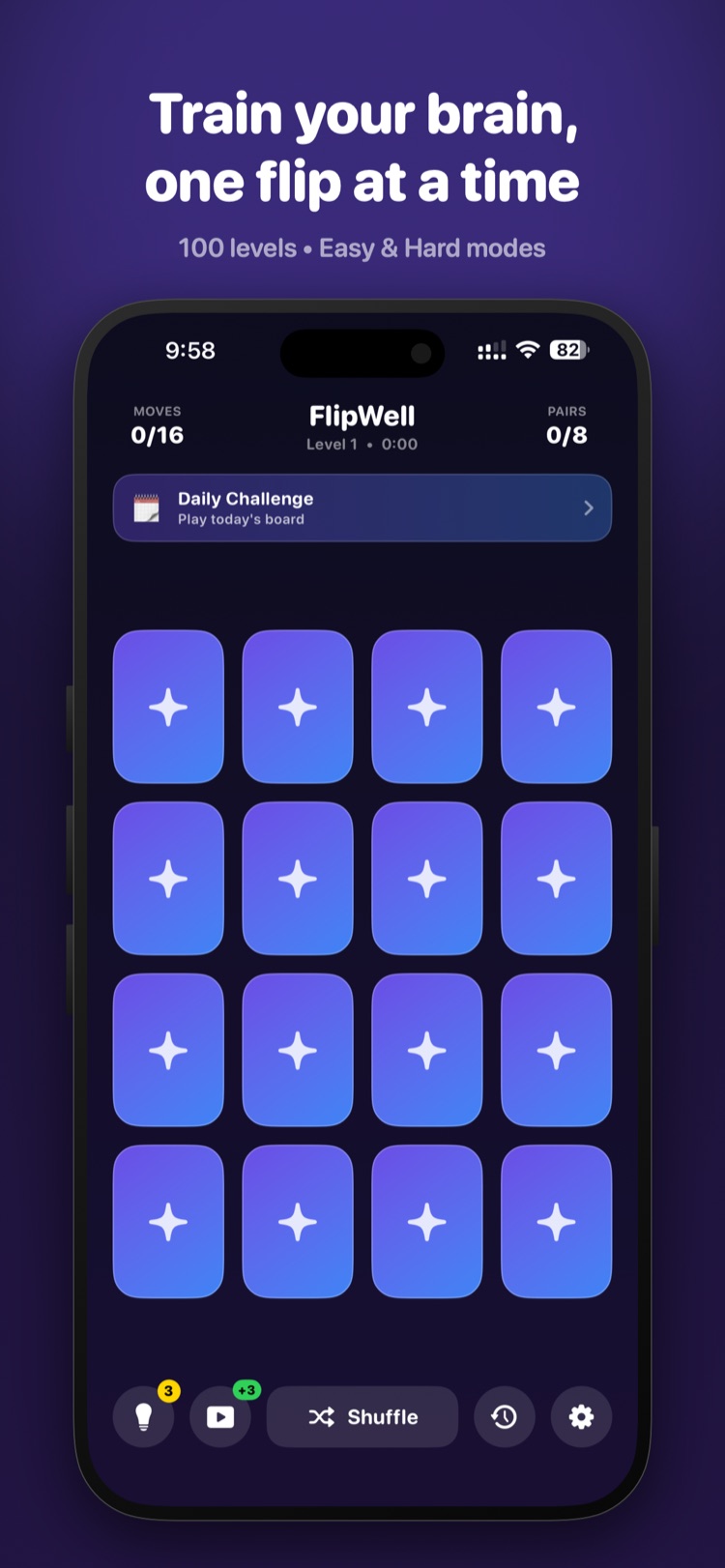
FlipWell game board with a 4x4 grid of face-down cards, a moves and pairs header, and a Daily Challenge banner

Play

Train your brain, one flip at a time

Every level greets you with a fresh grid of face-down cards and a live header tracking your moves and the pairs you've found. Tap to flip, remember where each symbol hides, and clear the board in as few moves as you can — across 100 growing levels in Easy and Hard modes. A Daily Challenge banner offers a new board each day, while Shuffle, hints, and a rewarded-video boost sit within reach along the bottom.
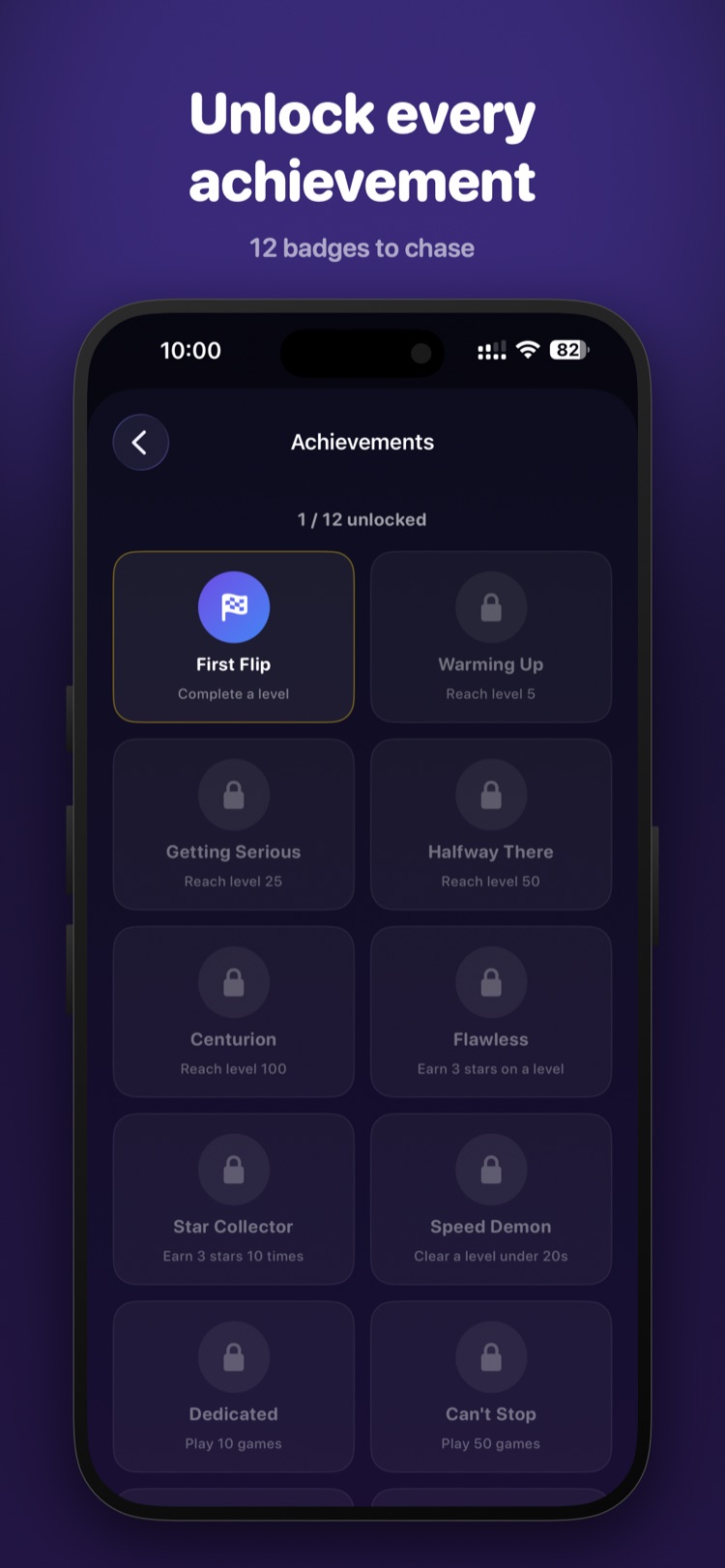
FlipWell Achievements screen showing 12 badges, with First Flip unlocked and others locked with their requirements

Achievements

Unlock every achievement

Twelve badges give you something to chase beyond the next level. Start with First Flip for finishing a level, then work toward milestones like Warming Up, Halfway There and Centurion for reaching levels 5, 50 and 100 — plus skill badges such as Flawless, Speed Demon and Star Collector. Locked badges show exactly what's needed, so there's always a clear next goal.

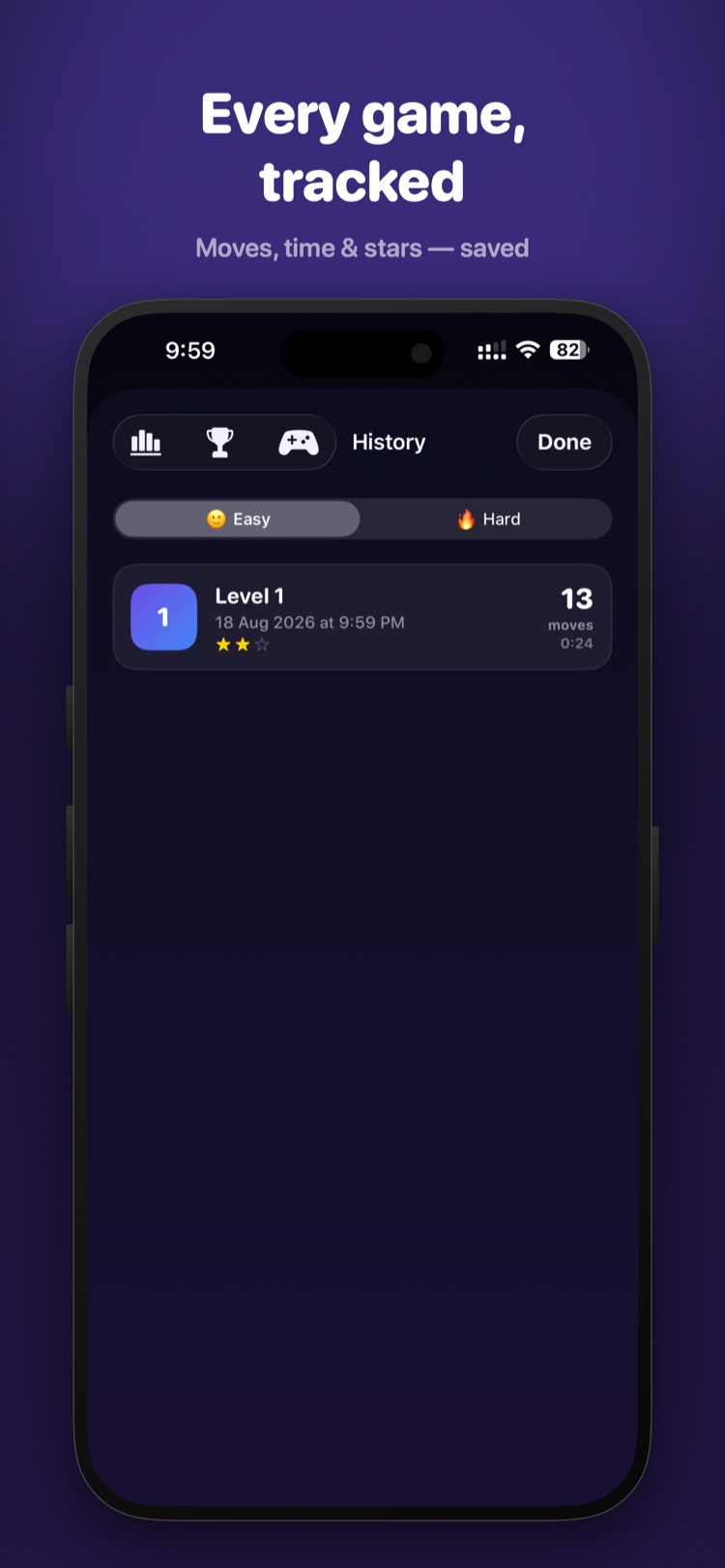
FlipWell History screen with an Easy/Hard toggle and a saved game entry showing level, date, moves, time and stars

History

Every game, tracked

Every game you finish is saved to a running history, split by Easy and Hard. Each entry shows the level, the date and time you played, your move count, clear time, and the star rating you earned — so you can revisit past runs and see exactly how a level went.

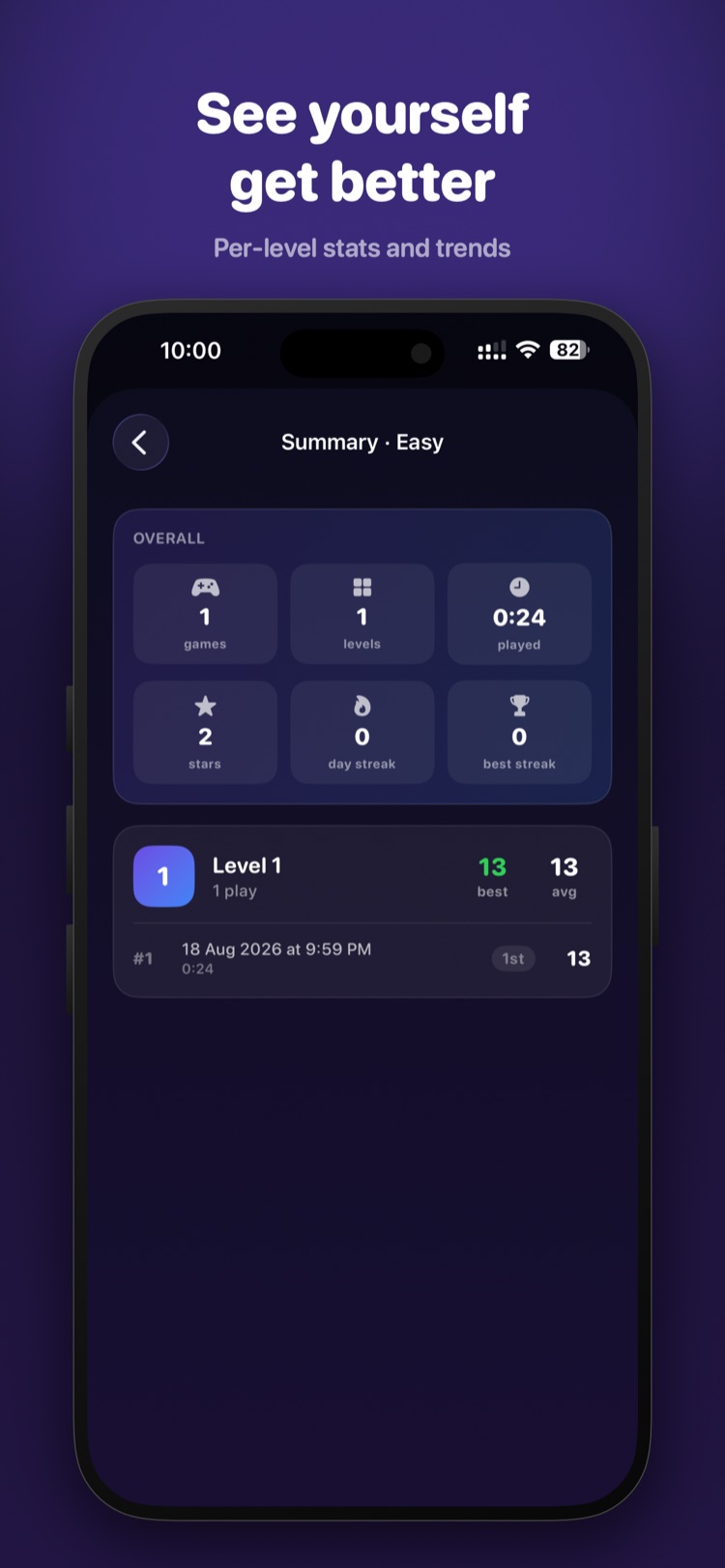
FlipWell Summary screen with overall stats for games, levels, time, stars and streaks, plus a per-level breakdown

Stats

See yourself get better

A summary view rolls your play up into clear numbers — games played, levels reached, total time, stars earned, and your current and best day streaks. Below, a per-level breakdown shows your best and average moves plus each recorded attempt, so improvement is easy to spot over time.

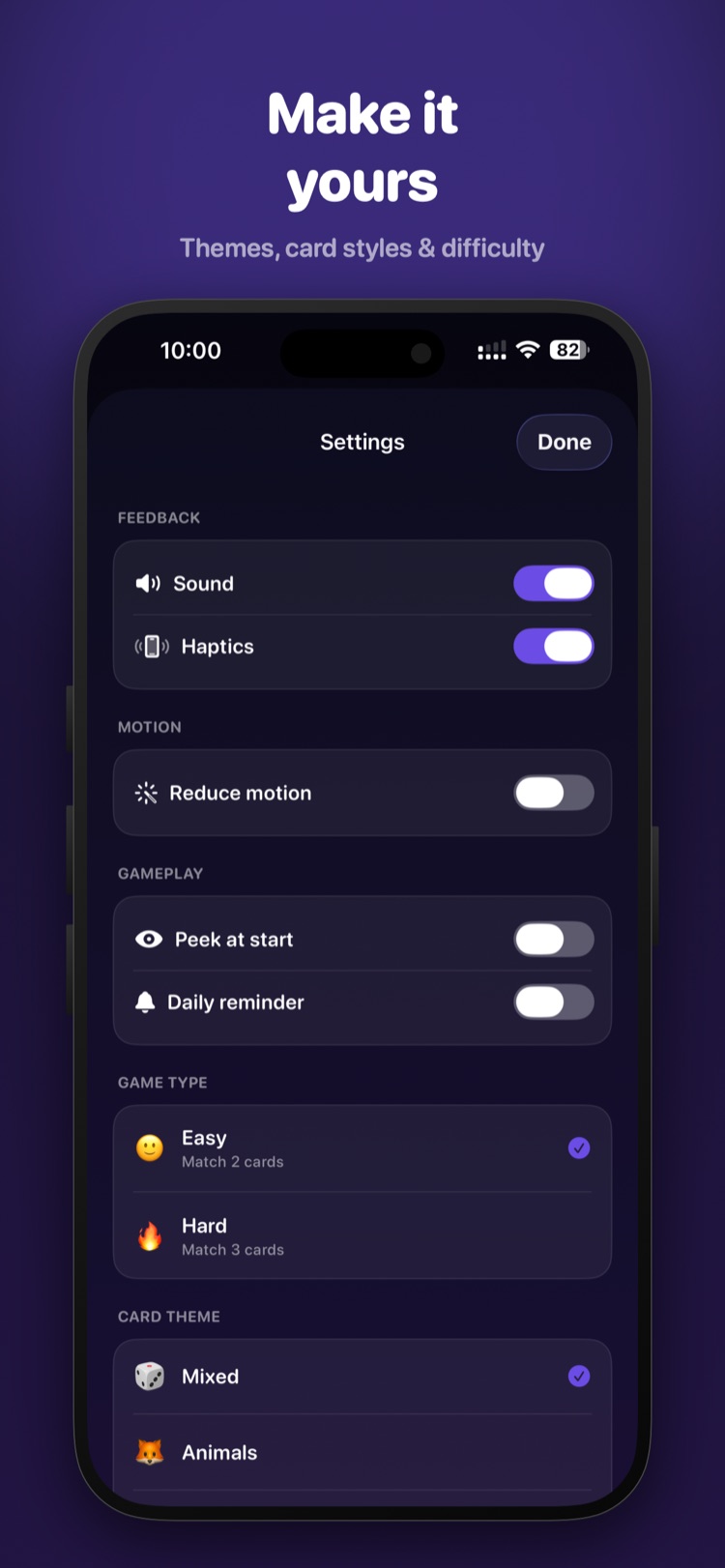
FlipWell Settings screen with sound, haptics, reduce motion, gameplay toggles, Easy/Hard difficulty and card themes

Settings

Make it yours

Tune FlipWell to your taste. Toggle sound, haptics and reduced motion; turn on a peek-at-start preview or a daily reminder; and switch between Easy (match 2 cards) and Hard (match 3). Card themes let you swap the artwork — Mixed, Animals and more — so every board looks the way you like.